Redacted Text Generator - Copy and Paste
No favorites yet. Tap ♡ on a style to save it here.
███████ ████
₱ⱤɆVłɆ₩ ₮ɆӾ₮
P̶r̶e̶v̶i̶e̶w̶ T̶e̶x̶t̶
P̷r̷e̷v̷i̷e̷w̷ T̷e̷x̷t̷
P̴r̴e̴v̴i̴e̴w̴ T̴e̴x̴t̴
𝐏⃥⃒̸𝐫⃥⃒̸𝐞⃥⃒̸𝐯⃥⃒̸𝐢⃥⃒̸𝐞⃥⃒̸𝐰⃥⃒̸ 𝐓⃥⃒̸𝐞⃥⃒̸𝐱⃥⃒̸𝐭⃥⃒̸
̯ͬ P̷̝̹͓ͪ̅ r̴͙̗͇̊͋ͫͬ͜ e̼̱̗̗ͧͪ̍ͭ̕͘ v͏ͯͦͣ i̤͇͆͋ͫͬ͜ͅ e̼̱ͧ̕w͇͈͘ ͏̞̠ T̞̘͇́͋ͫͬ͜͞ e̼̱ͧ̕x̷̹̭͇̖͔̣͋̎̈́̕ t̮̏
,̥̪͇́̀ͭ̇ͥ̎ Pͯr̤̙ͦ͗ͪ͑e͎͐̊̀͂̿̕v͎̤̳̺i̶̥̤ͦ̅̍̆ͫe͎͐̊̀͂̿̕w͔̅̂͞ ,͇̭̹͈̎̾ͣ͒̐͢ T̴̩ͤ,͖̱̈́̑̇e͎͐̊̀͂̿̕x̷̹̭͇͋̎̈́̕t̗̺ͯ͘
Pͅ,͎͙̒ͨ̈ř̎e̱͇̽͗̽v̮͋̊i̎e̱͇̽͗̽w̫͔ T̐,̘̻̔ͣe̱͇̽͗̽x̭͕͊̏̅ṯ̔
Ṗ̖̠̃̋͗r̬͕͉̩ͮeͧ̏͑̿v͚ͩͮi͓̹̻͍ͮ̒̒ͭeͧ̏͑̿w͙̘ͯ T̘͙̭̈́ͧ̒̂eͧ̏͑̿x̫͉̜̌̃ͮ͗t̝̖͔̓͌͋ͪ
̷̴̶̡̧̨̧͟͟͠͏̷͔ͬͥͭ̐ͥ̎ͭ̆J̞̟͖͖̩̭̫̖̫͈̗̬̱͑͌ͪ̀ͪ͐ͥ̍̋̀͒̏́͠ͅc̢͏̸̧̀͝͠҉̧̬̫̙̜̩̯̺͇͆͌ͤͬ̍n̴͓͕͕̙̙̘͇̰̓̀͆͘͠͡ͅé̲͓̯̳̲̪̖̦͎̓͐̈̐̽ͩ̏͡ͅc̢͏̸̧̀͝͠҉̧̬̫̙̜̩̯̺͇͆͌ͤͬ̍ņ̠͎̙͕̼͙̠͓̜͕͖͓̥̪̗̃̀ͦ̕ ͔͈̙̲͇̹̫̃̌̔ͯ̍̐̽͝͡c̢͏̸̧̀͝͠҉̧̬̫̙̜̩̯̺͇͆͌ͤͬ̍o̸̸̧͓̣̺͓̪̹̝̹͎̪͖͕̗͉͟͠ͅĹ̵̪̹͔̬͇̣̹̤͈̜̭̜͛̓̉̈͗̈́̋͒͝
░P░░░r░░░e░░░v░░░i░░░e░░░w░░ ░T░░░e░░░x░░░t░░
Seeing empty boxes ▯ after you paste? That app doesn't support the symbol. Try another style.
redacted text
Censor and redact your text with our free generator! Create blacked-out and censored text effects. Copy and paste redacted text for documents, social media, and creative projects!
Redacted Text Generator - Copy and Paste in other languages
Related Font Generators
Browse other font text styles
FAST AND FREE
COPY AND PASTE YOUR TEXT IN 3 EASY STEPS
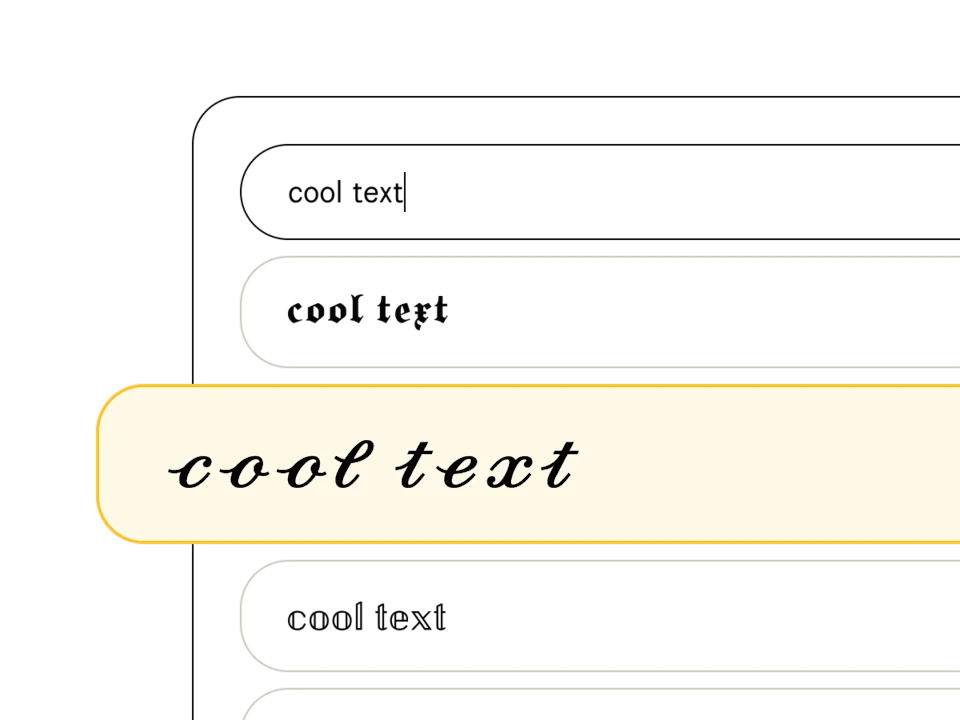
Pick a font style
Type your text in the font generator and peruse our list of 369+ text styles to find the perfect one. Fonts tagged with "Aa" include upper and lowercase, and those with a 🌐 support multiple languages.
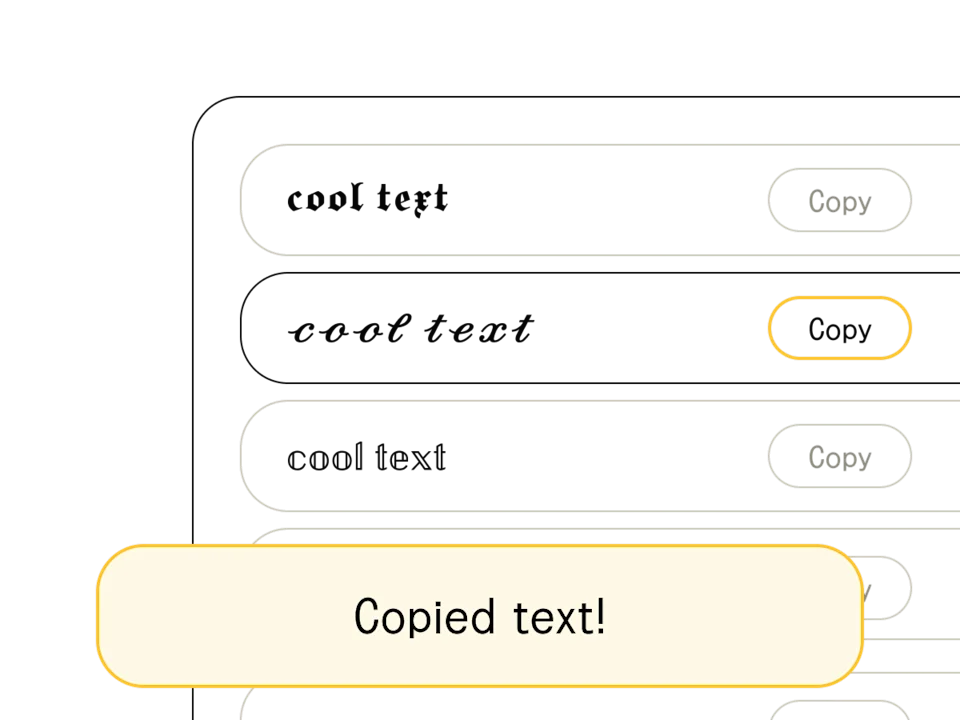
Copy/edit your text
Found your font? When you're happy with the output (and you've finished crafting your headline or message), hit the "copy" button to the right of your chosen text style. You can also select and Ctrl+C the text directly.
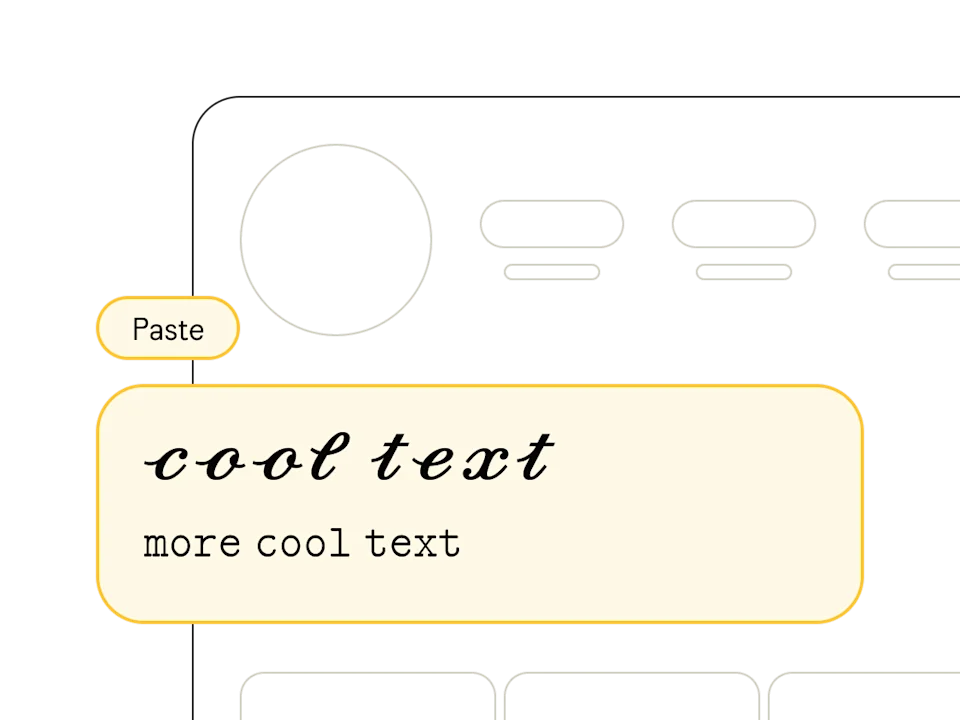
Paste anywhere
Once you've copied your text from our free online font generator, head on over to your social profile, design software, or messaging app and paste away! Pro tip: combine multiple styles to show off your design chops.
What is Redacted Text?
Redacted text uses Unicode block characters (like ████) to create the visual effect of censored or classified content. Sometimes called a censored text generator, it mimics the redacted bar effect and black bars used in government documents, legal filings, and declassified materials where sensitive information has been removed.
Our redacted text generator replaces each character in your text with solid block Unicode symbols. The result — whether blacked out text, blocked out text, or a black out text effect — can be copied and pasted into any platform, since the blocks are real text characters, not images.
How to Use Redacted Text
Redacted text has become popular across social media and creative content:
- SCP Foundation-style posts — create classified document aesthetics for creative writing and roleplay
- Social media teasers — build suspense by 'censoring' parts of an announcement
- Privacy mockups — demonstrate how redacted content looks in UI/UX designs
- Memes and humor — playfully censor text for comedic effect
- Discord and forum posts — add mystery or dramatic effect to messages
Redacted Text vs Real Redaction
The redacted text from this generator is purely visual — it replaces your text with block characters for aesthetic purposes. It should not be used for actual document security. For genuine redaction of sensitive information in PDFs or legal documents, use dedicated redaction software that permanently removes the underlying text data.
Types of Text Redaction Styles
Not all redaction looks the same. There are several ways to censor or obscure text:
- Block redaction (█████) — full black bars replacing text, like classified government documents
- Strikethrough (s̶t̶r̶i̶k̶e̶) — text with a line through it, the original is still partially readable
- Asterisk censoring (f***) — partial censoring commonly used for profanity
- Dot replacement (•••••) — clean, minimal censoring style
- Slash redaction (s̷l̷a̷s̷h̷) — diagonal lines through text, a lighter redaction effect
Our generator specializes in block redaction (█) using Unicode's Full Block character (U+2588). This is the most visually striking style and works reliably across all platforms and devices.