Fancy Letters - Copy and Paste
The alphabet in different fancy fonts
Browse every letter of the alphabet in 100+ fancy font styles. Find the perfect letter, copy it, and paste it anywhere — Instagram bios, Discord names, TikTok profiles, and more!
Letter A / a
Uppercase A
Lowercase a
Letter B / b
Uppercase B
Lowercase b
Letter C / c
Uppercase C
Lowercase c
Letter D / d
Uppercase D
Lowercase d
Letter E / e
Uppercase E
Lowercase e
Letter F / f
Uppercase F
Lowercase f
Letter G / g
Uppercase G
Lowercase g
Letter H / h
Uppercase H
Lowercase h
Letter I / i
Uppercase I
Lowercase i
Letter J / j
Uppercase J
Lowercase j
Letter K / k
Uppercase K
Lowercase k
Letter L / l
Uppercase L
Lowercase l
Letter M / m
Uppercase M
Lowercase m
Letter N / n
Uppercase N
Lowercase n
Letter O / o
Uppercase O
Lowercase o
Letter P / p
Uppercase P
Lowercase p
Letter Q / q
Uppercase Q
Lowercase q
Letter R / r
Uppercase R
Lowercase r
Letter S / s
Uppercase S
Lowercase s
Letter T / t
Uppercase T
Lowercase t
Letter U / u
Uppercase U
Lowercase u
Letter V / v
Uppercase V
Lowercase v
Letter W / w
Uppercase W
Lowercase w
Letter X / x
Uppercase X
Lowercase x
Letter Y / y
Uppercase Y
Lowercase y
Letter Z / z
Uppercase Z
Lowercase z
Fancy Letters - Copy and Paste in other languages
Browse other font text styles
FAST AND FREE
COPY AND PASTE YOUR TEXT IN 3 EASY STEPS
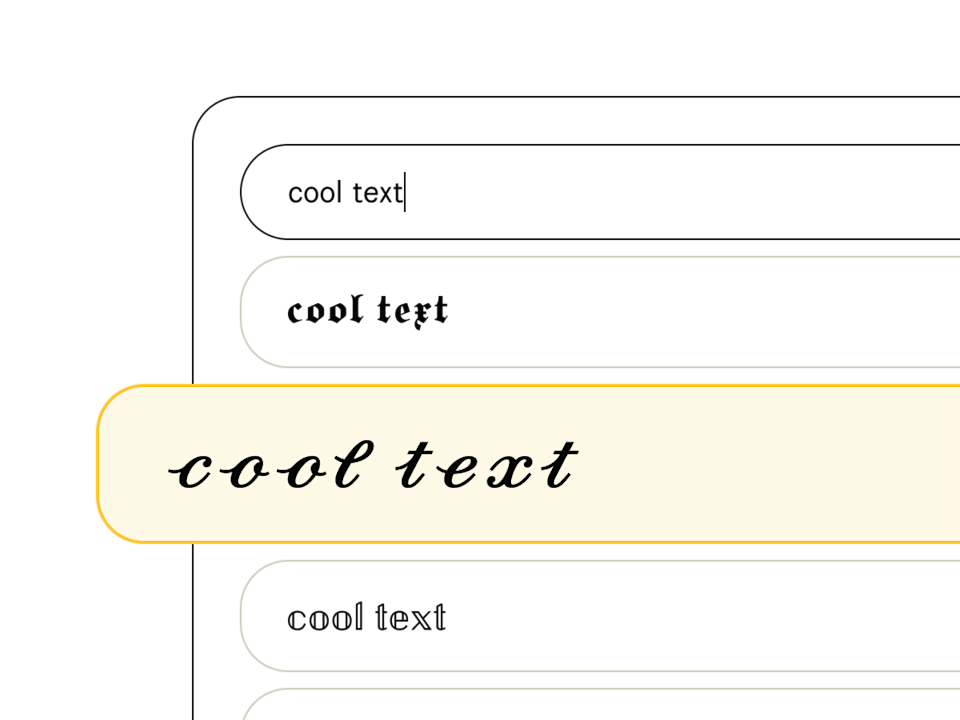
Pick a font style
Type your text in the font generator and peruse our list of 207+ text styles to find the perfect one. Fonts tagged with "Aa" include upper and lowercase, and those with a 🌐 support multiple languages.
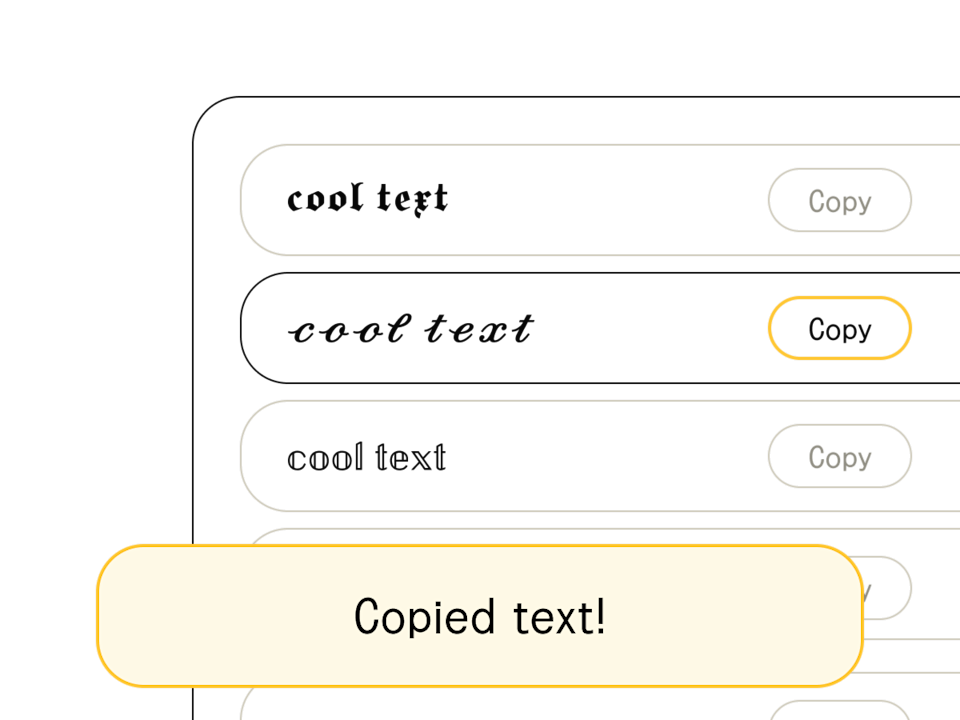
Copy/edit your text
Found your font? When you're happy with the output (and you've finished crafting your headline or message), hit the "copy" button to the right of your chosen text style. You can also select and Ctrl+C the text directly.
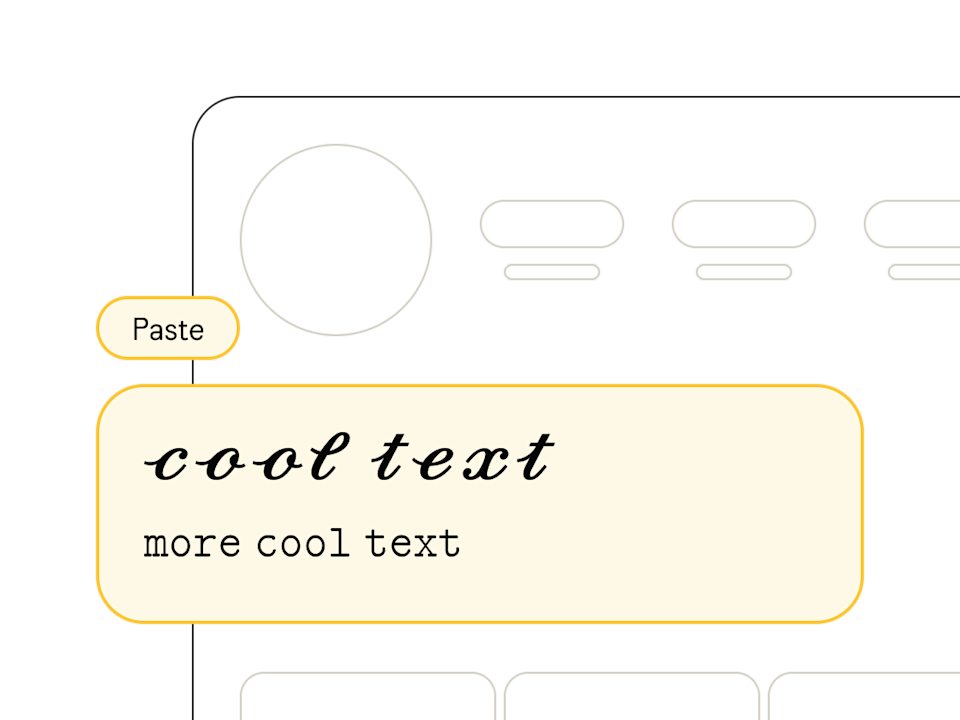
Paste anywhere
Once you've copied your text from the font generator, head on over to your social profile, design software, or messaging app and paste away! Pro tip: combine multiple styles to show off your design chops.
Fancy Letters in Different Fonts
Welcome to our fancy letters collection! Here you can explore the entire alphabet in different fonts, from elegant cursive to bold monospace styles. Whether you’re looking for *abc fonts*, *special letters*, or *letters in different fonts*, our collection has it all. Browse the styled letters below, click on any letter to view all available *letter styles*, or copy them directly from this page for instant use.
These fancy letters aren’t traditional fonts you install—they’re *letter symbols* created with Unicode characters. This means they work seamlessly across platforms like social media, messaging apps, emails, and more. Popular styles include cursive (𝒶𝒷𝒸), bold (𝐚𝐛𝐜), and double-struck (𝕒𝕓𝕔), giving you endless options to customize your *alphabet fonts*.
How to Use Fancy Letters
Using our fancy letters is a breeze! Simply click on any styled letter to copy it to your clipboard, then paste it wherever you’d like—social media posts, usernames, or even emails. You can mix and match *different letter fonts* to create unique combinations that suit your *letter style* preferences.
- Click on any letter to copy it instantly
- Paste it into your social media posts, messages, or documents
- Click 'More [Letter] Symbols' to explore additional *letter fonts* for each character
- Test your text on different devices to ensure the *special letters* display correctly
Why Use Fancy Letters?
Fancy letters are perfect for making your text pop! Whether it’s a standout username, a creative bio, or eye-catching posts on platforms like Instagram, Twitter, or Facebook, these *alphabet in different fonts* add personality and flair. They’re a simple way to enhance your *letter style* without needing design software.
Built with Unicode characters, these *special letters* are compatible across devices and platforms, from mobile apps to desktop browsers. Use them in profiles, comments, or anywhere regular text is supported to elevate your *letter fonts* game.
Types of Fancy Letters
Our collection features a wide range of *fancy letter styles* to suit any taste. Below are some of the most popular *alphabet fonts* you can copy and use:
- Cursive: Flowing and elegant, like 𝒶𝒷𝒸—great for a classy touch.
- Bold: Strong and striking, like 𝐚𝐛𝐜—perfect for emphasis.
- Monospace: Retro and uniform, like 𝚊𝚋𝚌—ideal for a tech vibe.
- Double-struck: Unique and bold, like 𝕒𝕓𝕔—often seen in math or design.
- Old English: Gothic and vintage, like 𝖆𝖇𝖈—for a historical feel.
How Fancy Letters Work
Curious about the magic behind *fancy letters*? They’re not traditional *letter fonts* but Unicode characters—universal symbols that represent text across all digital platforms. Unlike downloadable fonts, these *letter symbols* don’t require installation and work instantly when pasted.
Unicode has evolved to include thousands of stylized characters, from *abc fonts* to *special letters* like cursive or bold styles. Support for these characters is nearly universal today, though older browsers might display some as boxes or question marks.
Tips for Using Fancy Letters Effectively
To make the most of *different letter fonts*, here are some practical tips:
- Use sparingly to highlight key words or phrases without overwhelming your text.
- Mix styles (e.g., bold 𝐚 with cursive 𝒷) for a custom *letter style*.
- Preview your *alphabet in different fonts* on various devices for consistency.
- Stick to standard styles like cursive or bold in formal settings to maintain readability.
Fancy Letters on Social Media
Fancy letters shine on social media, helping your content grab attention. Here’s how to use them on popular platforms:
Add *special letters* to your bio or captions for a standout profile. Styles like cursive (𝒶𝒷𝒸) or monospace (𝚊𝚋𝚌) work great in stories too.
Enhance tweets with *letter fonts* like bold (𝐚𝐛𝐜), but keep it simple due to character limits. Avoid overly complex styles that might not render well.
Use *alphabet fonts* in posts or group titles to draw eyes. Most *fancy letter styles* are supported, making it easy to personalize your content.
Fancy Letters vs. Fancy Text
What’s the difference between *fancy letters* and *fancy text*? Fancy letters are individual *letter symbols* (e.g., 𝒶 or 𝐛), while fancy text combines these into styled words or sentences (e.g., 𝒯𝒽𝒾𝓈 𝒾𝓈 𝒻𝒶𝓃𝒸𝓎). Both use Unicode for versatility.
You can use *special letters* alone for emphasis or blend them into *fancy text* for a cohesive look across your *alphabet in different fonts*. Experiment to find what suits your style!